diginotescreen
Diginote screen is the companion app to Diginote to display messages.
Table of Contents
Overview
A paired Diginote Screen is used to display messages from Diginote.
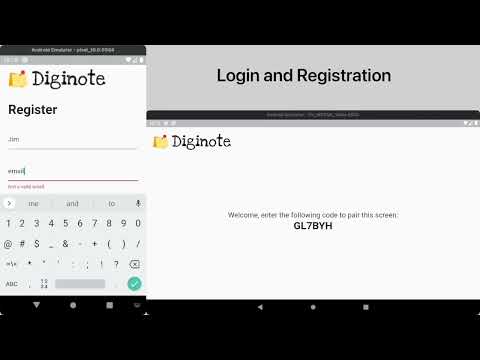
Features
- Easy screen pairing.
- Messages can be displayed with various customisation options
- Messages can be scheduled.
- A generated QR code leads to a pre-populated Google Forms with your email.
Possible Improvements
- Adding interactivity to the screen for viewers.
- Improving the design.
Setup
To run this project:
- Clone the project to get a local copy
git clone https://github.com/kelvin589/diginotescreen
- cd into the project folder
cd diginotescreen
- Install dependencies
flutter pub get
- Setup Firebase
- Update
firebase_options_example.dartwith your Firebase configuration - Run the application in an emulator.
Libraries
- device_info
- firebase_battery_reporter_provider
- firebase_battery_reporter_repository
- firebase_connectivity_provider
- firebase_connectivity_repository
- firebase_options
- firebase_pairing_provider
- firebase_pairing_repository
- firebase_preview_provider
- firebase_preview_repository
- generated_plugin_registrant
- header
- main
- main_view
- message_item
- messages_model
- pairing_code_text
- positioned_message_item
- preview_view
- qr_code
- screen_info_model
- screen_model
- starter_view
- timer_provider